








制作
历史
AI 平面图生成器
更改工具
模型
基础版
切换
房间
卧室
-
2
+
浴室
-
1
+
厨房
开放式
封闭式
总面积
单位 公制
公制 英制
英制
公制 英制面积
< 50㎡
50-80㎡
80-100㎡
100-120㎡
120-150㎡
> 150㎡
附加设施
步入式衣帽间
洗衣房
储藏室
杂物间
家庭办公室
车库
食品储藏室
客餐厅一体
阳台

Design Your Dream Home with an Interactive Floor Plan Creator Free!
Unleash your inner architect with Ideal House's AI Floor Plan Generator, your ultimate interactive floor plan creator free. Instantly visualize and design layouts for any property type, from cozy apartments to spacious family homes. Our advanced AI takes your simple inputs – like bedrooms, bathrooms, and kitchen style – and crafts beautiful, functional 2D floor plans in seconds. Whether you're a homeowner dreaming of a remodel, a real estate professional showcasing a listing, or a designer sketching initial concepts, our intuitive platform makes it easy to create floor plan online. Experience the power of a free floor plan tool that delivers professional results without the hefty price tag or steep learning curve.
Generate My Floor Plan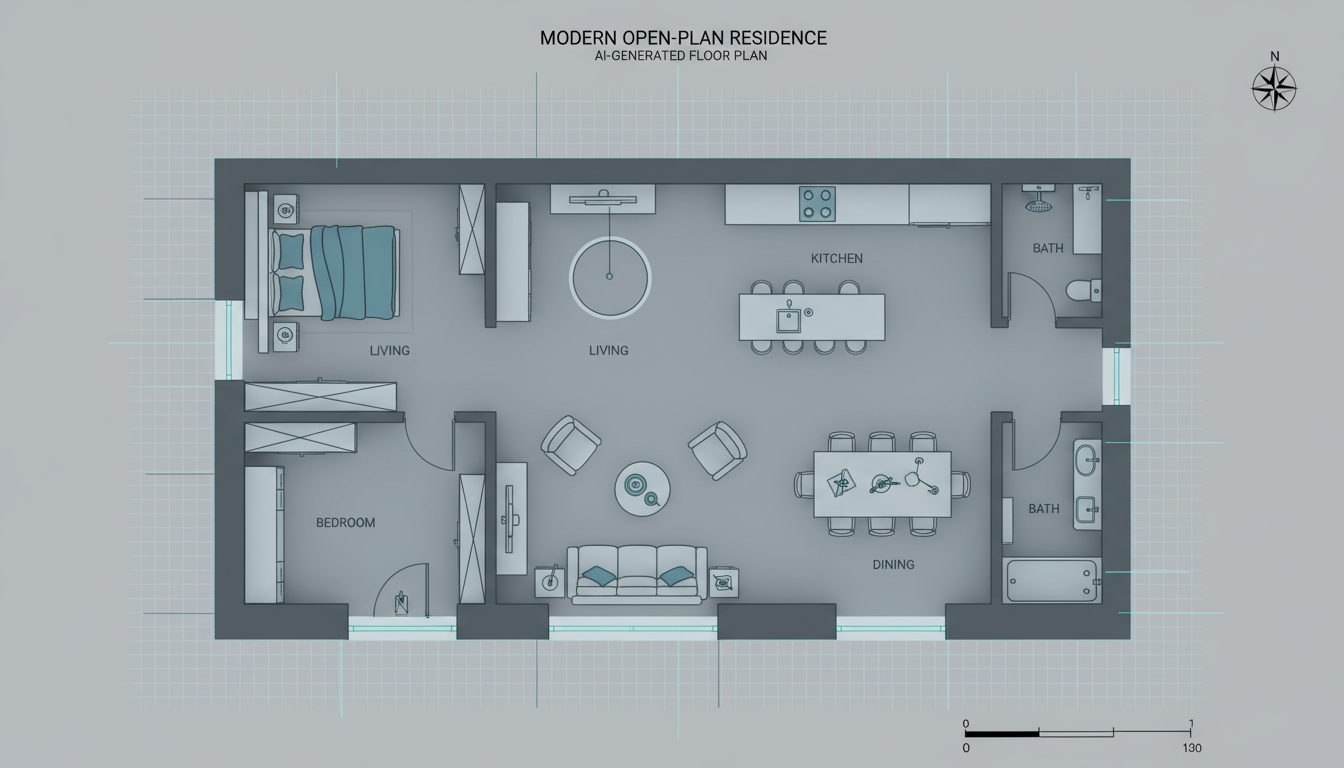


Transform Your Vision into Reality with Our Free Floor Plan Tool

Instant 2D Floor Plan Generation
Gone are the days of tedious manual drafting. With our AI Floor Plan Generator, you can get a complete 2D floor plan layout in mere seconds. Simply input your desired number of bedrooms and bathrooms, choose your kitchen style (open or closed), and define your gross area. Our powerful AI quickly processes your requests, delivering high-quality, presentation-ready floor plans that accurately reflect your specifications. It’s the fastest way to create floor plan online, perfect for quick concept validation or client presentations.
Parametric Design for Custom Layouts
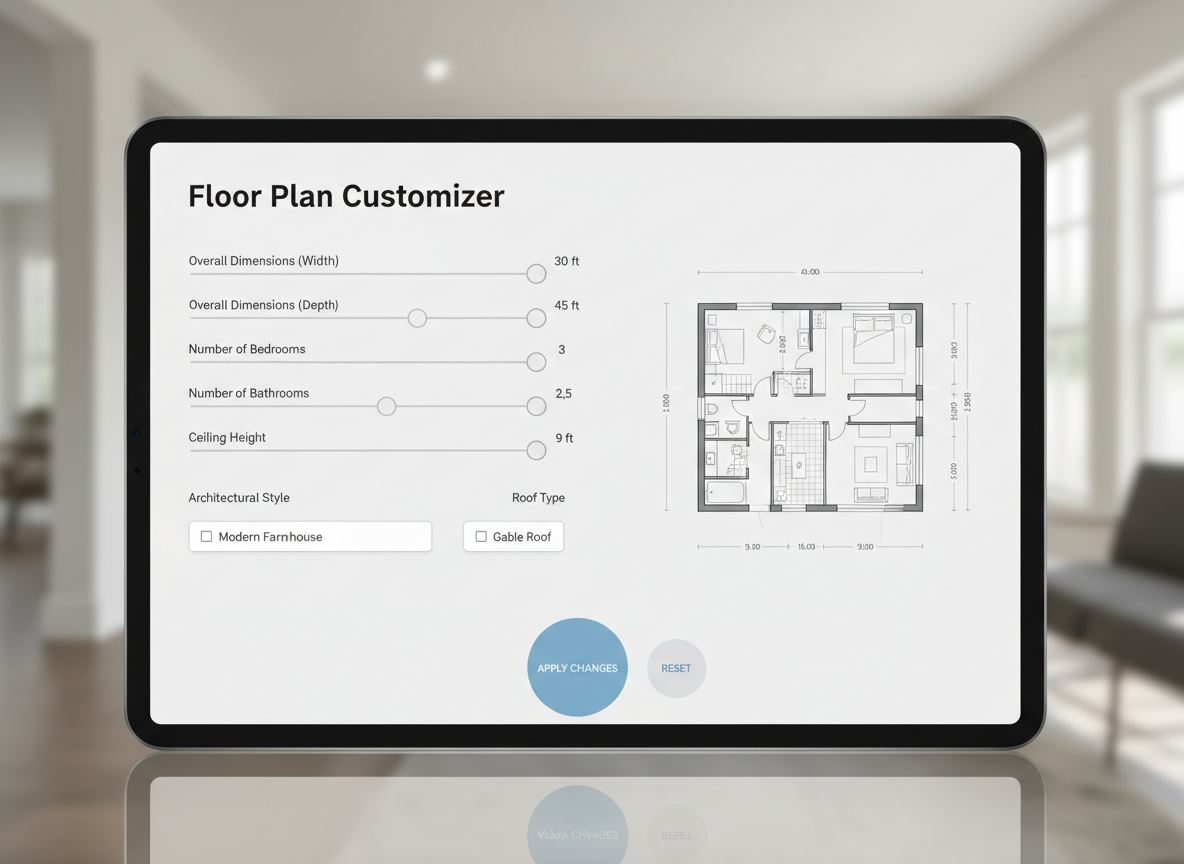
Our interactive floor plan creator free puts you in control. Utilize parameter-driven planning to fine-tune every aspect of your home's layout. Select from 0-4 bedrooms and 1-3 bathrooms, specify an open or closed kitchen, and set your desired gross area range. Go further by adding 'extras' like a walk-in closet, laundry room, home office, or balcony. This robust functionality ensures that each generated floor plan is uniquely tailored to your project, making it an indispensable free house planner for personalized designs.
Comprehensive History & Easy Management
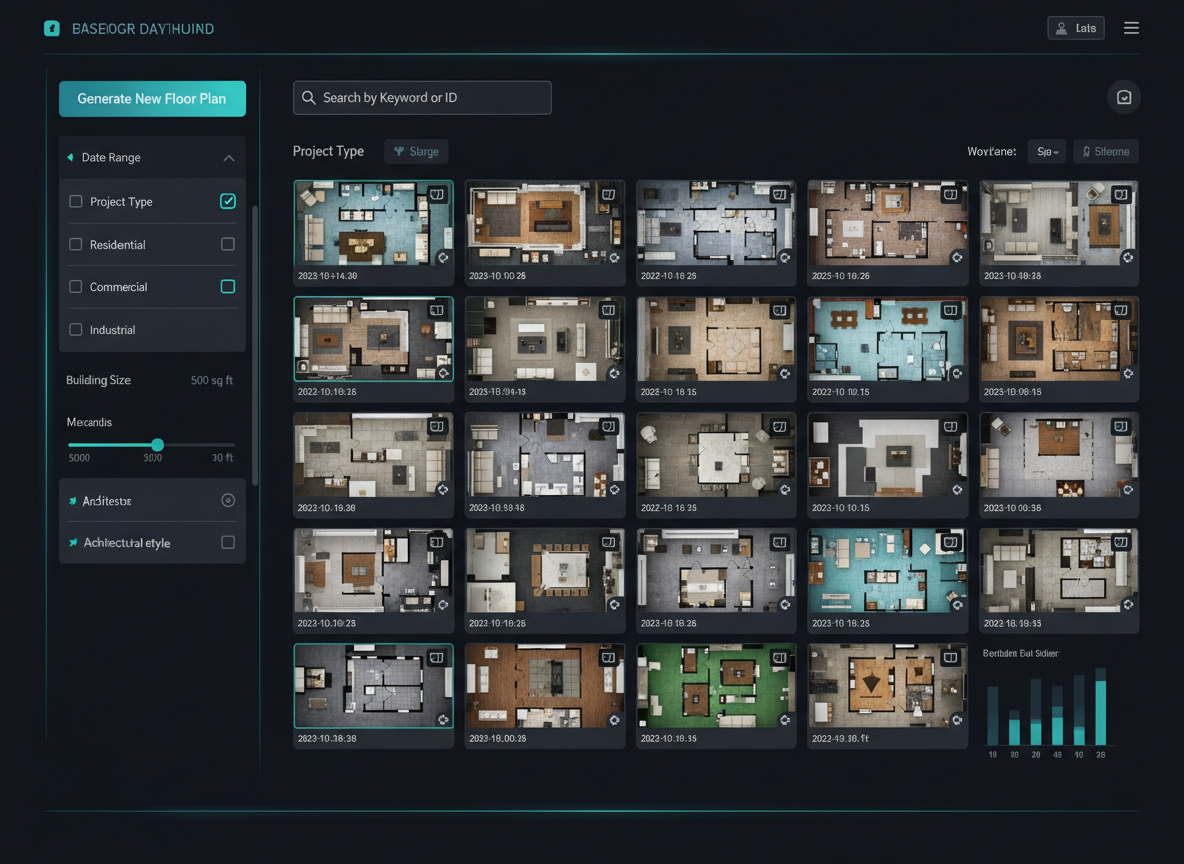
Never lose a great idea again! Every floor plan you generate with our AI tool is automatically saved in your Generation History. This feature allows you to effortlessly review, compare, and refine past designs. Use intelligent filtering, including 'Created with AI Floorplan,' and switch between grid or list views to quickly find and compare different drafts. This makes our platform a superior home design software free for iterative design processes, ensuring you always select the best possible layout.
Download & Share with Ease
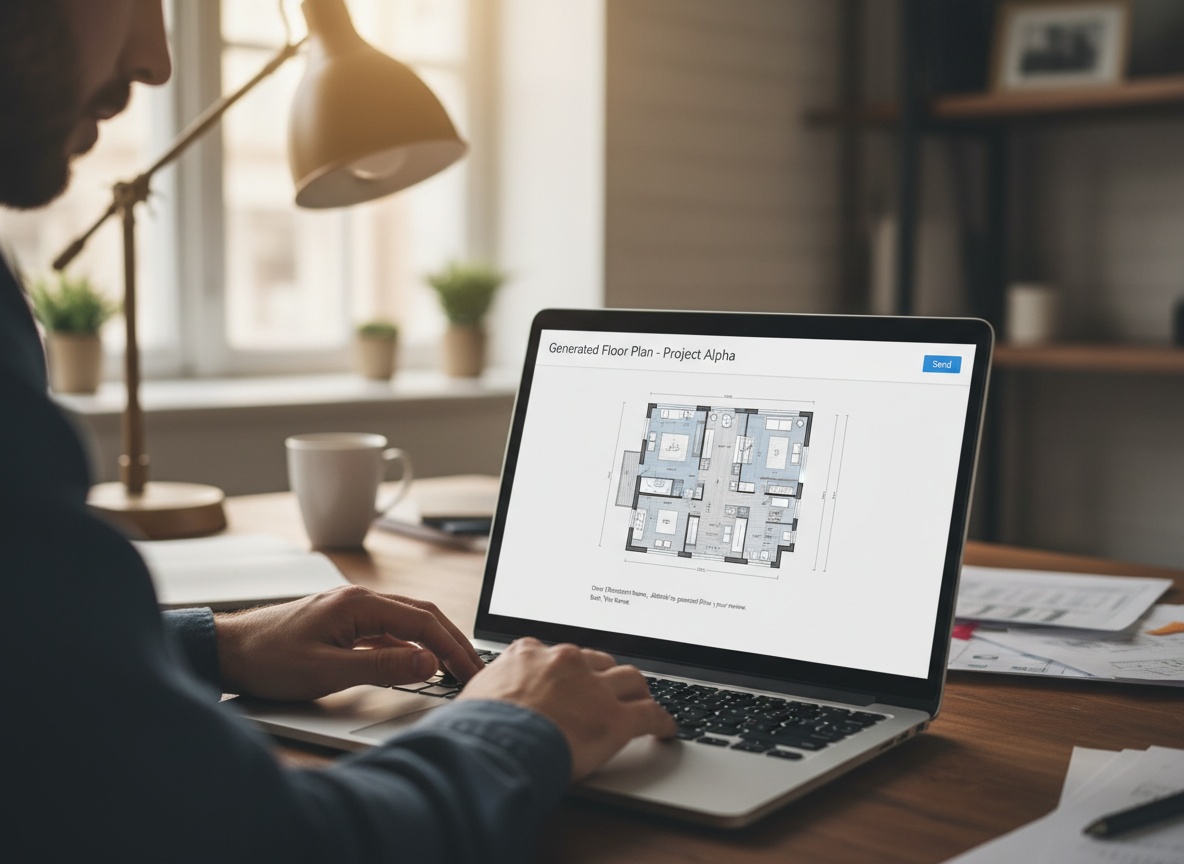
Once you’ve finalized your perfect 2D floor plan, it's ready for immediate use. Our AI Floor Plan Generator allows you to export your designs as high-quality images or PDFs, making it simple to share with clients, contractors, or real estate listings. This feature is crucial for real estate agents needing clear visuals, or homeowners looking to collaborate on renovation projects. It's truly a virtual floor plan designer that integrates seamlessly into your workflow.

Who Benefits from Our AI Floor Plan Generator?

Homeowners & DIY Enthusiasts: Easily experiment with room layouts, discover new possibilities for your space, and create floor plan online for renovation projects. Visualize open vs. closed kitchen concepts or the impact of adding a walk-in closet.

Interior Designers & Decorators: Rapidly generate initial design concepts and iterate with clients in real-time. Our apartment layout planner helps you present professional 2D floor plans that align with your vision and client needs.

Real Estate Professionals: Enhance your property listings with accurate and engaging 2D floor plans. Attract more buyers by clearly showcasing property layouts and flow, making your listings stand out with a quick floor plan designer.

How to Create Floor Plan Online with Ideal House
1
Set Rooms: Begin by defining the core of your design. Choose your desired number of Bedrooms (0-4) and Bathrooms (1-3). The default settings are 2 bedrooms and 1 bathroom, providing a great starting point for your interactive floor plan creator free experience.
2
Choose Kitchen Style: Decide on the heart of your home. Toggle between an 'open' or 'closed' kitchen concept. An open kitchen fosters a connected living space, while a closed kitchen offers defined separation. The default is an open kitchen.
3
Pick Gross Area: Select a size range that best matches your project's footprint. This guides the AI in proportioning rooms and corridors for the most realistic and functional 2D floor plan. Our floor plan generator online adapts to your scale.
4
Add Extras: Personalize your layout by multi-selecting specific features. Integrate a walk-in closet, laundry room, home office, garage, pantry, combined living-dining area, or a balcony to shape the overall design and zoning. This custom floor plan creator lets you specify unique needs.
5
Generate & Review: Click 'Generate' to instantly produce your new floor plan. Review the results in the preview panel and your Generation History. You can tweak parameters and regenerate to compare different versions quickly and efficiently, making it an easy floor plan creator.
6
Download & Share: Once satisfied, export your detailed 2D floor plan as an image or PDF. Share it with clients, colleagues, or integrate it directly into your property listings. Our simple floor plan creator ensures your designs are always ready for presentation.
Frequently Asked Questions about Our AI Floor Plan Generator
How does the AI turn my selections into a floor plan?
Our AI floor plan generator interprets your inputs—bedrooms, bathrooms, kitchen type, gross area, and extras—and applies smart architectural principles. It drafts a clear 2D floor plan by considering common adjacencies, circulation paths, and spatial relationships, offering you a dynamic way to create floor plan online.
What are the available ranges and default settings?
You can select 0-4 bedrooms (default 2), 1-3 bathrooms (default 1), and either an open or closed kitchen (default open). Gross Area is chosen from predefined bands, and extras are multi-selectable. This makes our platform a versatile free house planner.
What influence does 'Gross Area' have on the plan?
The 'Gross Area' band directly influences the overall scale and proportions of the generated 2D floor plan. Selecting the range closest to your target size ensures rooms, corridors, and features feel appropriately scaled and functional within the total footprint. It's key to an accurate home floor plan maker.
Can I compare multiple generated floor plans?
Absolutely ! Every design created with our interactive floor plan creator free is saved in your 'Generation History.' You can use the 'Created with AI Floorplan' filter and switch between grid or list views to easily compare different versions side-by-side, helping you make informed decisions. It's great for an apartment layout planner.
Is this a truly free floor plan tool?
Yes, Ideal House offers a robust interactive floor plan creator free with generous usage options. You can explore many designs and concepts without initial cost. For advanced features or higher generation volumes, credit-based options are available, but basic usage is free.
Enhance Your Designs with Ideal House's Related Tools

Photo Enhancer
Automatically improve the quality of your photos for more accurate AI results.

Magic Editor
Fine-tune small details by adding a vase of lavender, changing window treatments, or removing unwanted clutter.
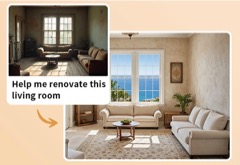
HouseGPT
Ask our design AI for advice on material choices, budgeting, and renovation steps.
Ready to Design Your Space? Get Started with Our Interactive Floor Plan Creator Free!
Transform your ideas into stunning 2D floor plans in minutes. Simple, fast, and incredibly powerful. Ideal House is your go-to home design software free.
Generate My Floor Plan
💰 作为Ideal House合作伙伴赚取10%佣金。
加入我们